





Guide
How to block porn on iPhone with Screen Time
Six steps with the current menu labels, plus what the filter misses and who can switch it off.
An iPhone app that blocks adult sites, gets you through the urge, and keeps every good day when one goes wrong.
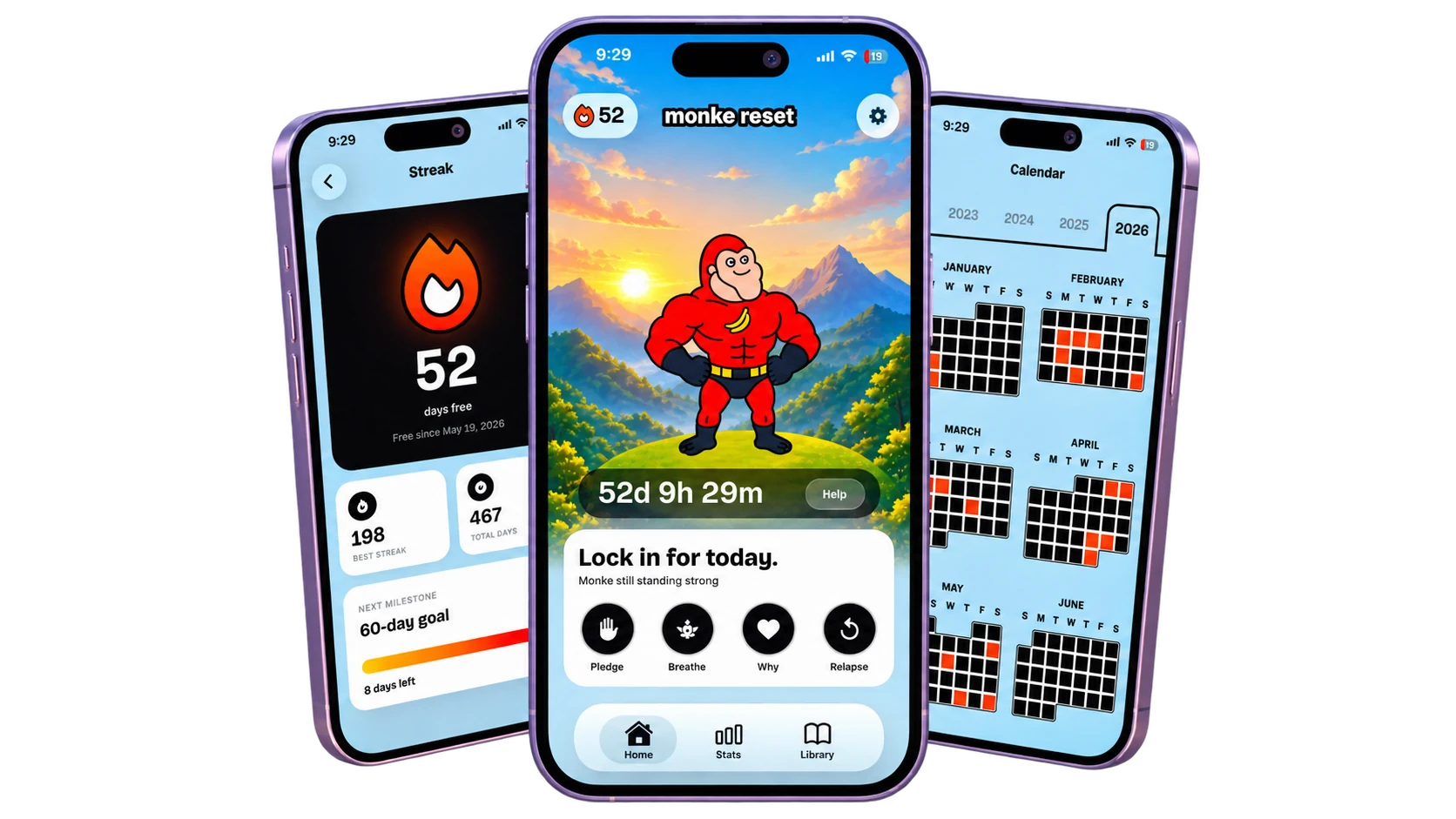
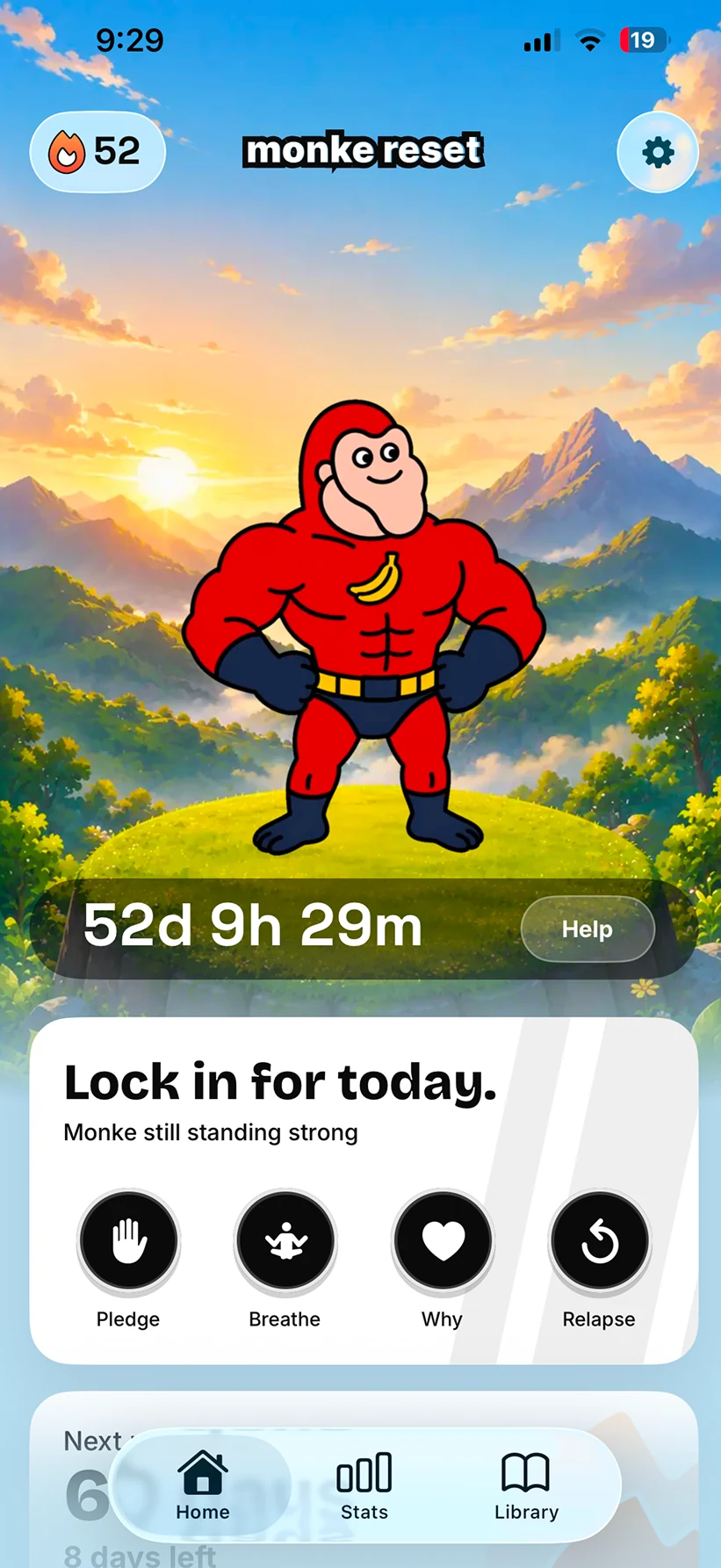
Tap Help me and it shows you what you wrote while it was quiet.
Help me sits beside your streak. Breathe and your pledge are on the same screen, one tap each.
Help meHelp opens on a reason you wrote down. Then it gives you one line at a time to hold on to.
“An urge always says it’s the last time.”
Pick I’m okay and Monke counts an urge you beat. Pick I relapsed and it’s logged as one day.
Monke Blocker uses Apple’s Screen Time to block adult sites and the apps you pick.
Open an adult site or an app on your list and this is what you get. Monke made it dull on purpose.
Blocked.
The Blocker is on. Monke is right here.
On iOS 26.5 and later, the block page has a way back into the app. It skips the home screen and lands on Help.
“You hit the Blocker. Stay a minute.”
iOS applies the block, so it works whether Monke Reset is open or not. Anyone with the Screen Time passcode can turn it off.
Your count starts again. The calendar, your best streak and every free day stay where they were.
The app never grades you. A bad night lands on Monke, and the next day starts without a lecture.
“That one got me too. Day 0.”
Best streak and total days free sit next to the count. Logging a relapse doesn’t touch either.
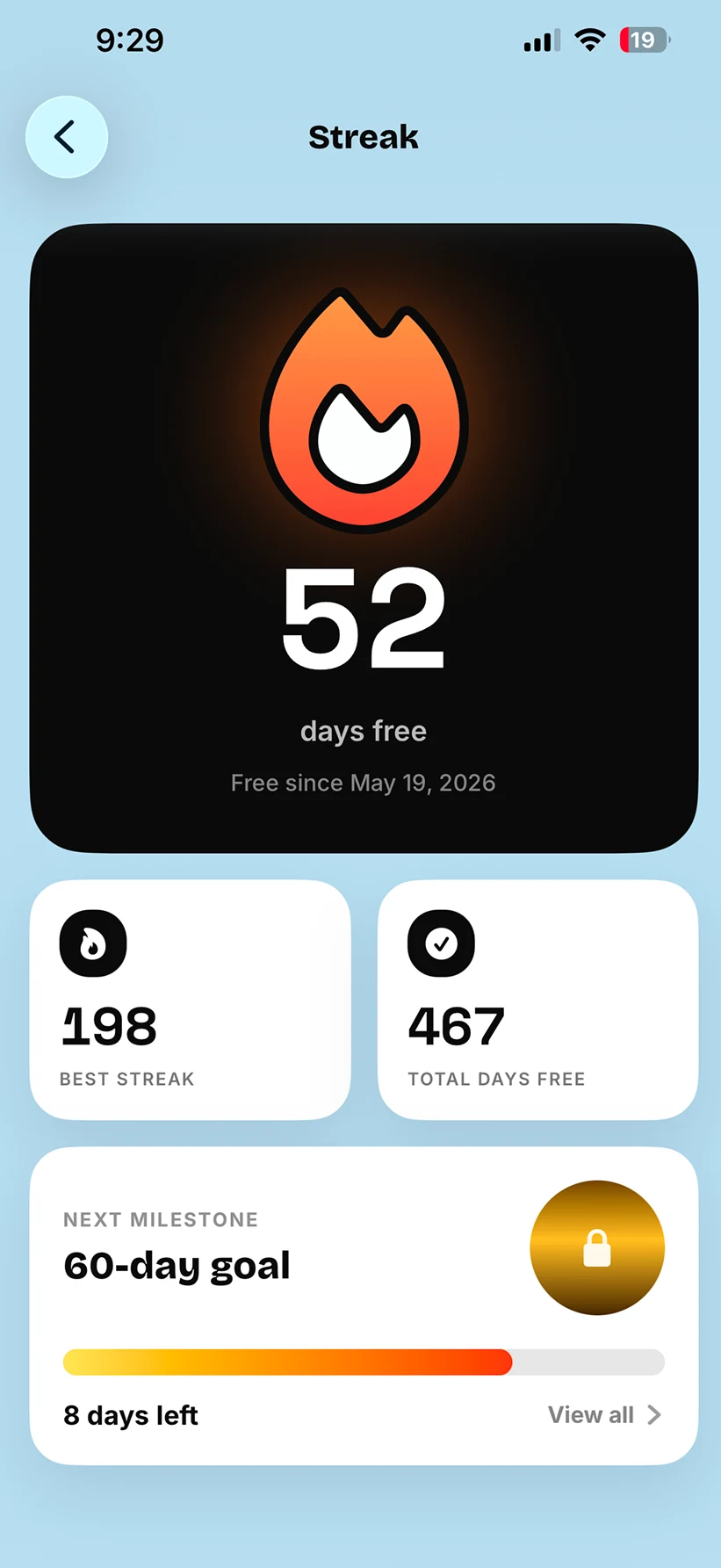
Logged the wrong night? Tap it on the calendar and mark it free. Your streak counts again without it.
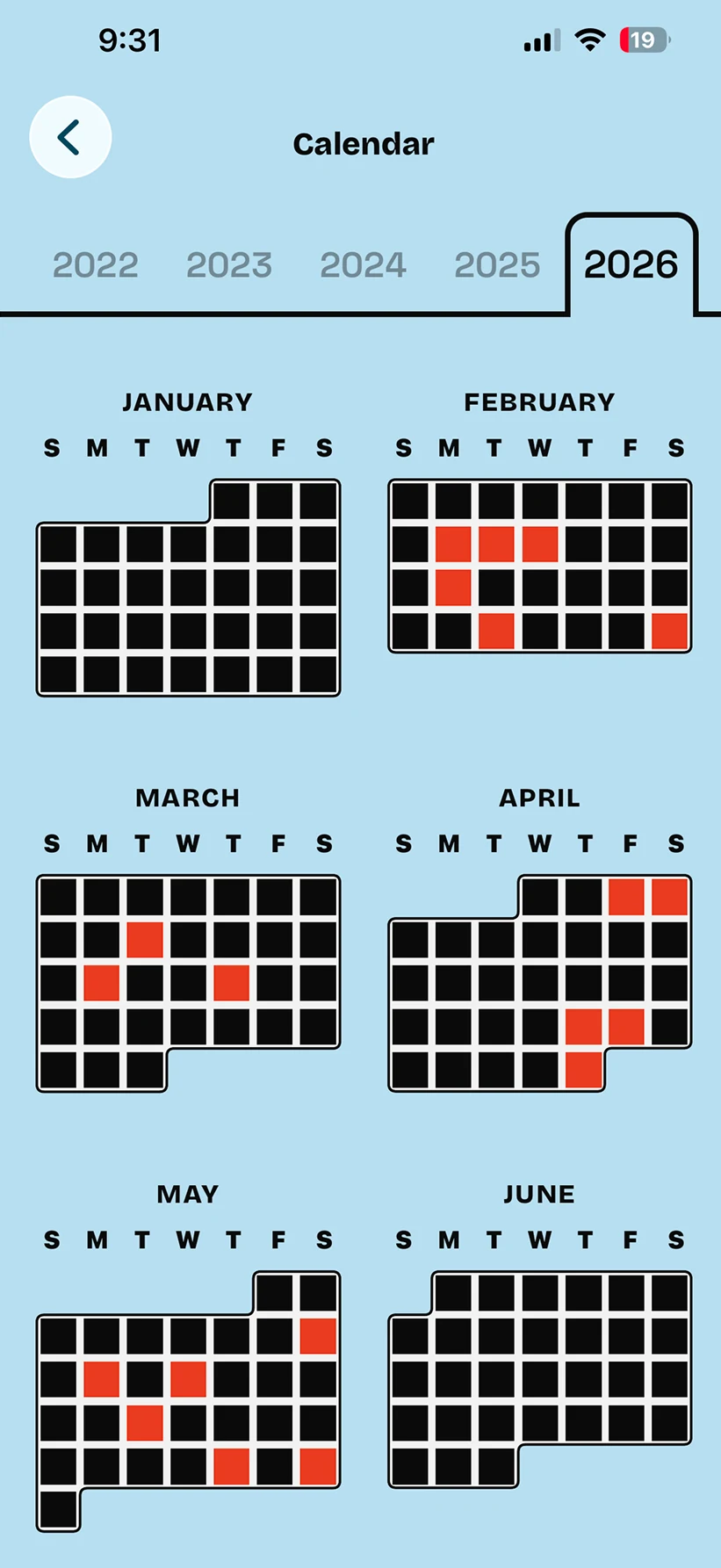
Every urge you sit through is counted next to your free days, on a calendar that keeps the whole year.
Free days, relapses and urges resisted share the calendar. Tap any day to see how it went.
Setup asks how often and for how long. Then it shows you what that adds up to in a year.
At that rate: your number of hours a year.
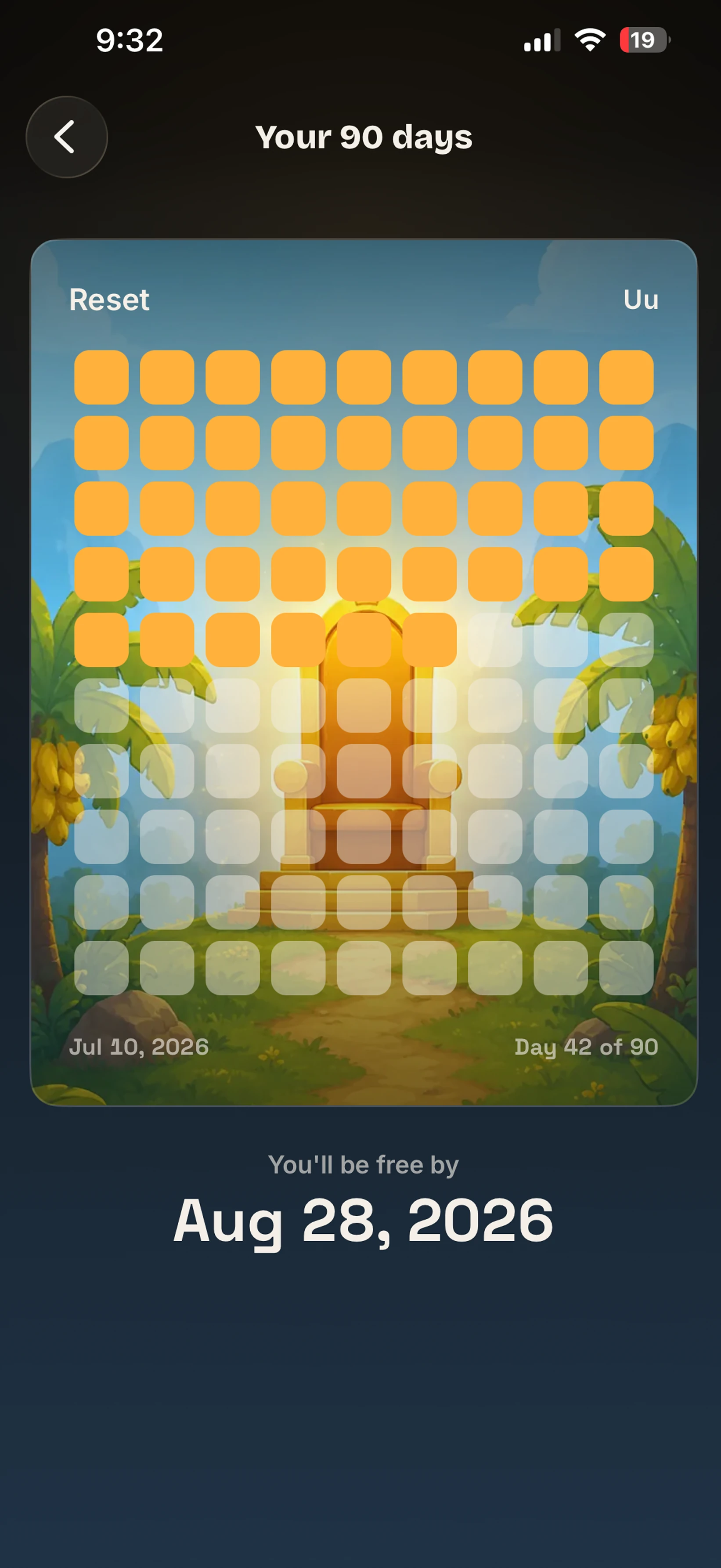
The plan counts to 90 and shows the date you finish. The only day on it you have to do is today.
One subscription unlocks all of it.
Your streak, reasons and pledge stay on your phone. They’re never sent anywhere.
The only one keeping score is you.
Apple’s Screen Time content filter does the filtering on the device itself. Your browsing never passes through Monke Reset.
Delete everything, in Settings, erases your answers, pledge and streak from the phone. It can’t be undone.
No feed, no leaderboard and no public streak. The score is for you, not for an audience.
No account and no sign-up. Your day one is whichever day you say it is.
Including the ones that make us look bad.
Two of these have longer versions: why porn blockers stop working and how to block porn on an iPhone. Something not covered anywhere? Ask us directly.
Yes, if you really want to. Monke Blocker runs on Apple’s Screen Time, so anyone who knows the Screen Time passcode can switch it off. Every blocker on iOS works this way, and we won’t pretend otherwise.
What it takes away is the one-tap path. Getting past it means a trip into Settings and a passcode, which is time to change your mind. Set a passcode you don’t memorise, or let someone you trust hold it, and it gets harder still.
One screen opens. It shows a reason you wrote down, then one line at a time to hold on to, like “An urge always says it’s the last time.” Your pledge is one tap away.
It ends on two buttons. “I’m okay” counts it as an urge you beat. “I relapsed” logs the day. If you hit the block page first, its Open Monke button brings you straight here.
Your count goes back to day 0, and that’s all it costs. Your best streak, your total days free, the urges you beat and the whole calendar stay saved. If you logged the wrong day, tap it on the calendar later and mark it free.
Nothing lectures you about it. Monke takes the hit instead: “That one got me too. Day 0.”
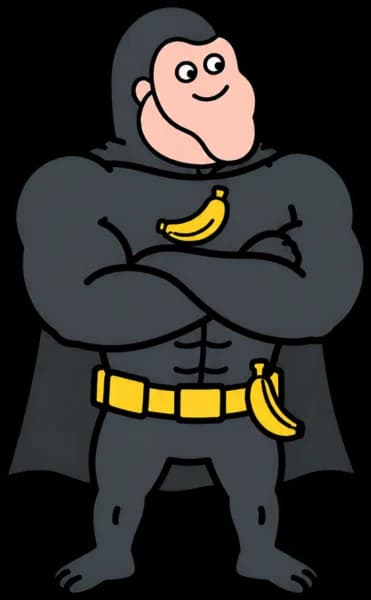
Monke is the character in the app, and the jokes land on him rather than on you. When a night goes wrong, it goes on Monke and you get the next day.
Reset means the day, not the record. Your count starts again. Your calendar, your best run and every day you already logged do not. There’s no feed, no leaderboard and no public streak, so nobody is watching the score but you.
Two parts of it have research behind them, and each comes with a limit. The first is the game layer. A 2022 meta-analysis of 16 randomised trials, about 2,400 people, found gamified interventions beat the same interventions without the game layer. The effect was small to medium, it weakened after the programme ended, and it studied physical activity rather than porn. The mechanics help. They aren’t magic.
The second is the one this app is built around. A daily habit-formation study by Lally and colleagues, summarised by Gardner, Lally and Wardle in 2012, found that missing one day did not seriously impair the process: the gains resumed afterwards. It studied people building simple routines rather than stopping something, so it isn’t a claim that a slip doesn’t matter. It is why the calendar keeps every day you already logged.
Both. Monke Blocker turns on Apple’s content filter for adult sites, which iOS applies at the system level rather than through a browser extension. You add any apps you want blocked alongside it.
Yes. iOS applies the block, so it keeps working whether Monke Reset is open, closed or force quit. Nothing has to run in the background, and nothing needs switching on each day.
One permission: Screen Time. iOS asks the first time you turn on the blocker. It lets Monke Reset set the content filter and block the apps you pick.
You can take it back whenever you want, in iPhone Settings under Screen Time.
No, it’s an iPhone app. The blocker is built on Apple’s Screen Time, which is part of iOS.
No. Apple’s content filter does the filtering on the device, and the app is never handed a list of what you visited or what got blocked. Your streak, reasons and pledge stay on your phone.
No. Open the app and start. Your streak, reasons, pledge and calendar live on the phone.
It’s a paid subscription, billed by Apple. The App Store shows the current terms in your own currency before you’re charged, so check there rather than taking a number off a website. Whatever the plan, all of it is unlocked from the first screen, with no second paywall once you’re inside. Cancel anytime in iPhone Settings.
Plain answers to the questions people ask before they install anything. No app required.
Write your reasons down now, while it’s quiet. Help keeps them for when it isn’t.